Free AI Tool - No Signup Required

AI Album Cover Generator

A free album cover maker built around your release. Upload a track, pick a style, and get professional album art in seconds, then animate it for social media. Completely free.

Free album cover maker - how it works, styles, sizes, and Spotify Canvas.

No subscription. The album art and the looping cover are free to make.

Create Album Art

Three inputs, one album cover. Ready in under a minute.

Drag and drop your audio file here
or
MP3, WAV, OGG, FLAC - up to 50MB

Free - AI-generated album art from your song title and style

Generating album art...
Simple Process

How It Works

1

Upload Your Track

Drop an MP3 or WAV. Any audio you own - AI-generated, recorded, anything.

2

Add Your Details

Enter your artist name, song title, and pick an art style. That is it.

3

Get Album Art + Animate

AI generates professional album art. Download it or animate it into a shareable looping cover.

8 Art Styles

Eight covers from one track

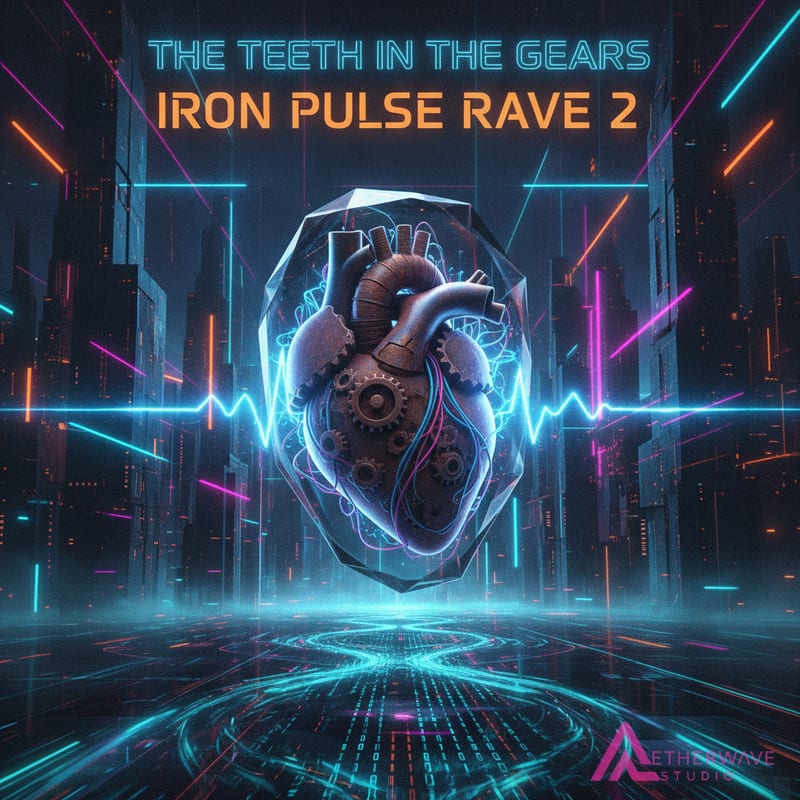
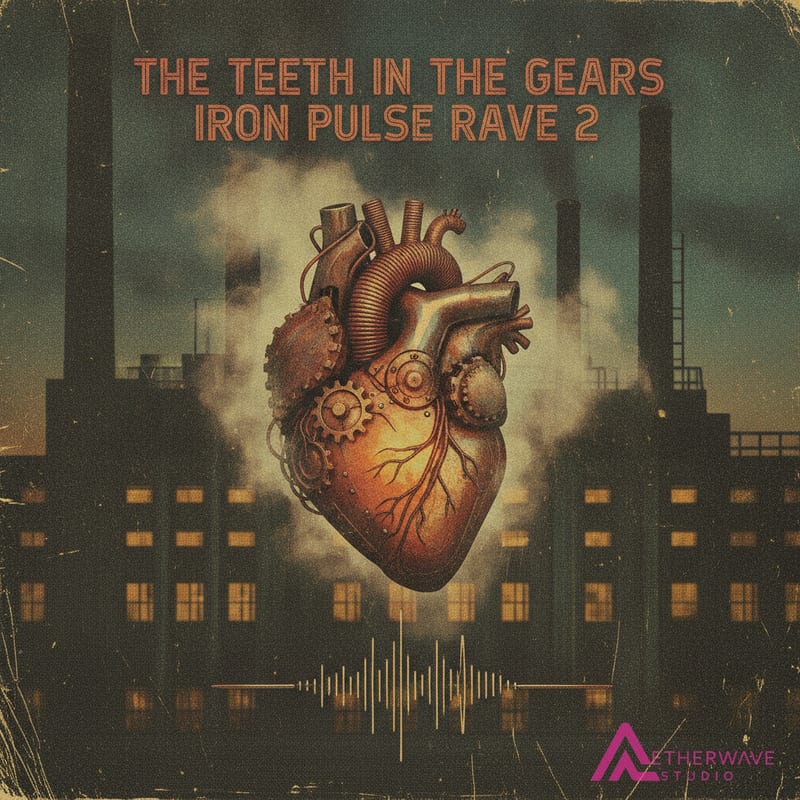
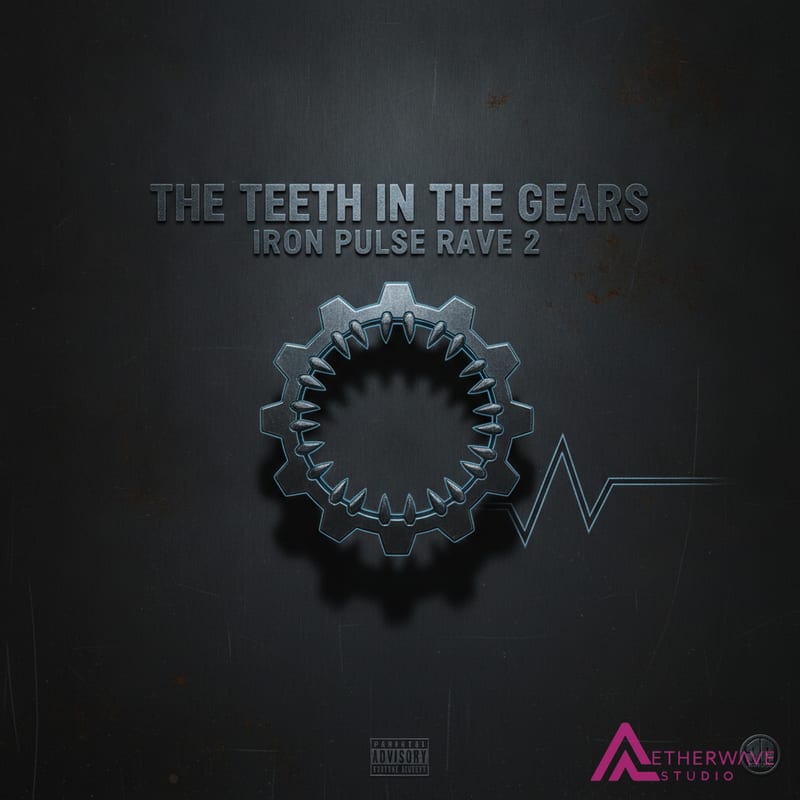
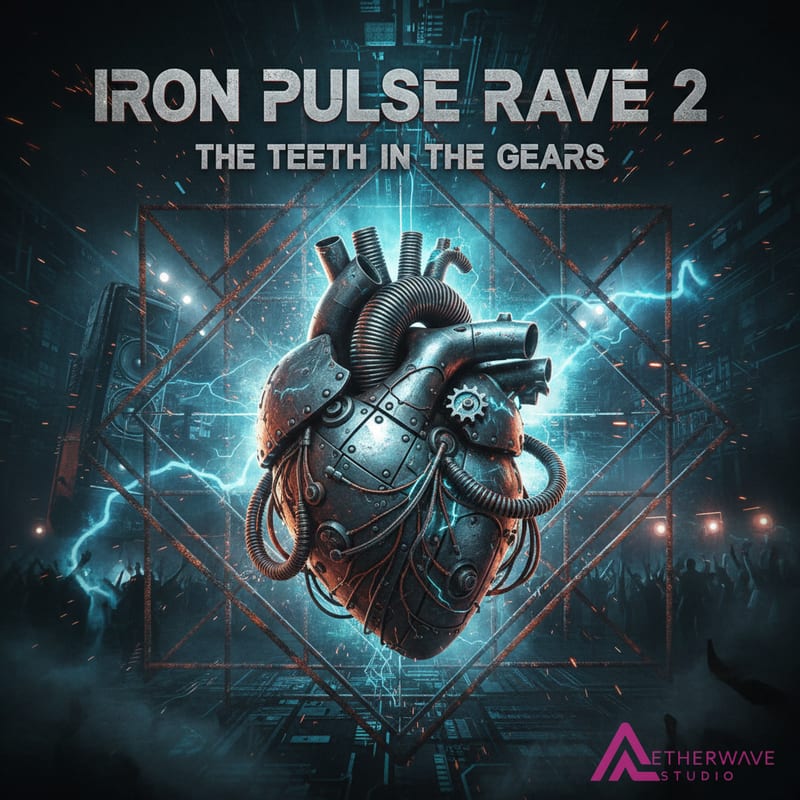
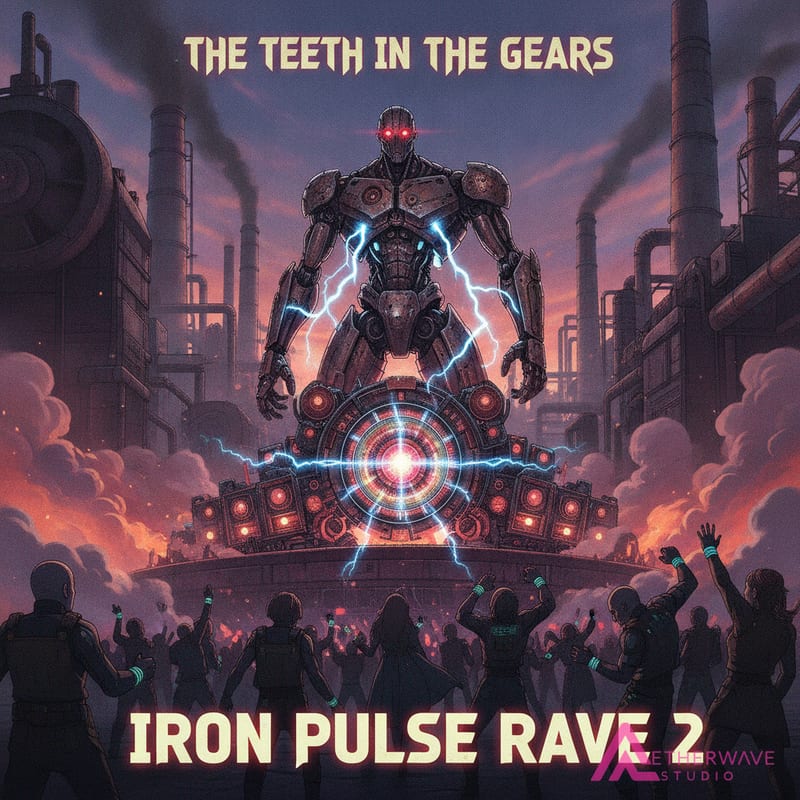
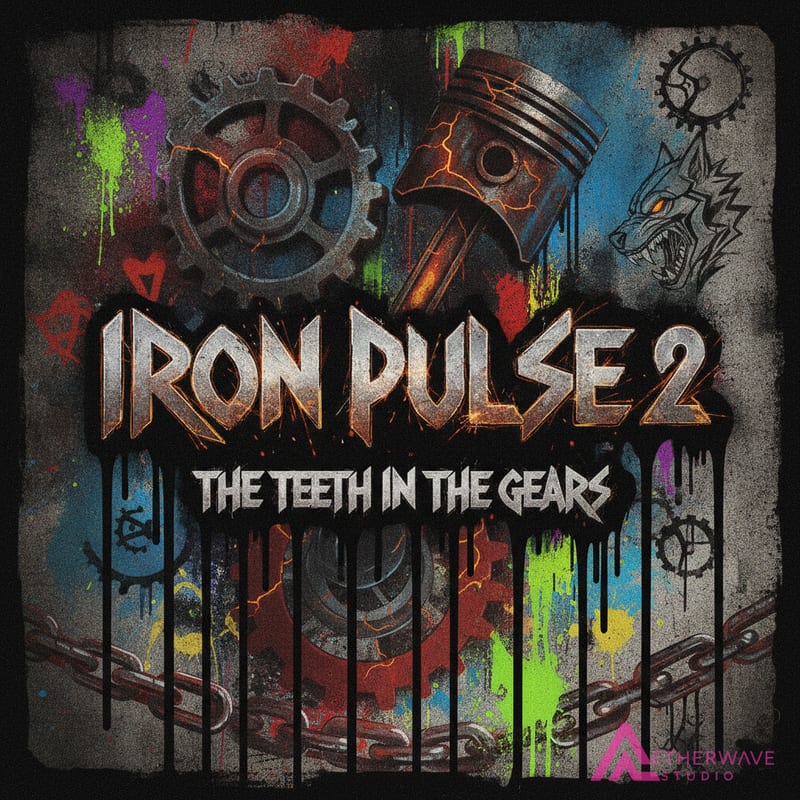
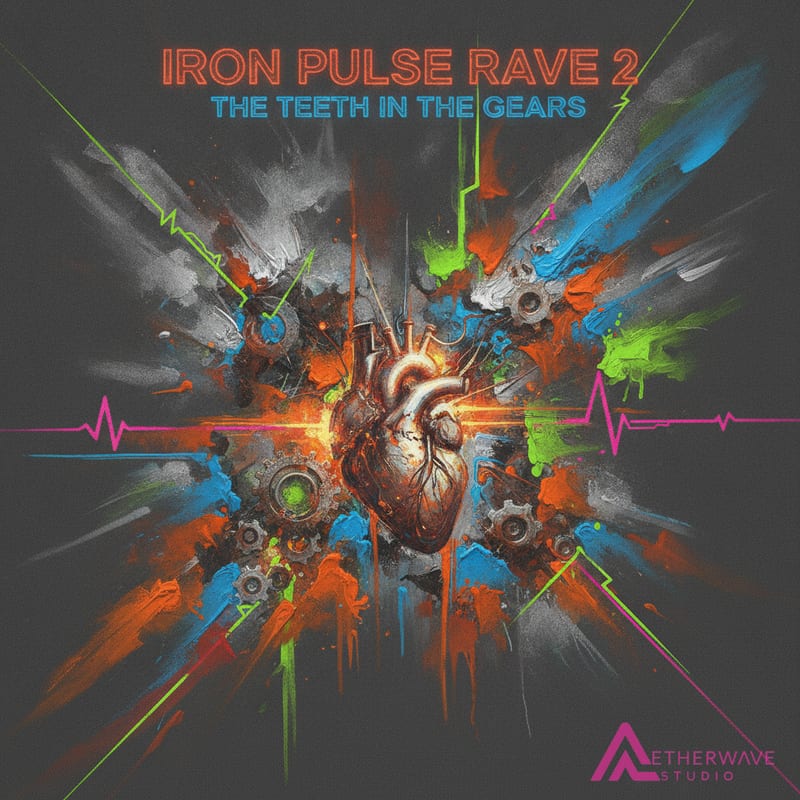
The same song, "Iron Pulse Rave 2", run through all eight art styles, then animated into a looping video. Every cover below was generated on AetherWave from the uploaded track.

Animated cover, a looping video for Spotify Canvas, Reels, and TikTok

Photorealistic style AI album cover example, made from a track on AetherWave
Photorealistic
Abstract style AI album cover example, made from a track on AetherWave
Abstract
Digital Art style AI album cover example, made from a track on AetherWave
Digital Art
Vintage style AI album cover example, made from a track on AetherWave
Vintage
Minimal style AI album cover example, made from a track on AetherWave
Minimal
Surreal style AI album cover example, made from a track on AetherWave
Surreal
Anime style AI album cover example, made from a track on AetherWave
Anime
Street Art style AI album cover example, made from a track on AetherWave
Street Art
FAQ

Frequently Asked Questions

Is this really free?

Yes. Album art generation, static MP4 creation, and image downloads are 100% free with no account required. Animating your art into a looping video requires a free account, and the default 5-second animation is also free.

What audio formats are supported?

MP3, WAV, OGG, FLAC, and M4A files up to 50MB. Your audio is used to create the shareable MP4 video and is not stored permanently.

Can I use AI-generated music?

Absolutely. This tool works with any audio you own, whether it was recorded in a studio, generated with Suno, Udio, or any other AI music tool.

What art styles are available?

Eight styles: Photorealistic, Abstract, Digital Art, Vintage, Minimal, Surreal, Anime, and Street Art. Each is optimized for professional album cover aesthetics.

Can I create album art for social media stories?

Yes. Choose Portrait (9:16) format when creating your art for Instagram Stories, TikTok, YouTube Shorts, and Reels. Square (1:1) works great for album covers, Instagram posts, and X.

What is the animated album cover?

AI takes your static album art and brings it to life as a looping animation. We merge it with your audio track to create a shareable MP4 video perfect for promoting your music on social media.

What size should album cover art be?

Album covers are square. The industry standard for full album distribution is 3000 x 3000 pixels (most distributors accept a 1400 x 1400 minimum, and Spotify accepts 640 x 640). AetherWave generates 1024 x 1024 square covers, which is ideal for streaming profiles, Spotify covers, and social. Choose Square (1:1) for covers, or Portrait (9:16) for Stories, Reels, and Shorts.

Can I make a Spotify cover and a Canvas?

Yes. Generate a square cover that meets Spotify's specs, then animate the same art into a looping video that works as a Spotify Canvas, plus Instagram, TikTok, and YouTube.

How does it create art from my song?

The AI analyzes your uploaded track and generates original artwork that matches its sound, mood, and genre, rather than dropping your title onto a stock template. You get eight styles to choose from per track.

Can I make cover art for a single, EP, or mixtape?

Yes. AetherWave generates square covers for any release, so it works for albums, EPs, singles, and mixtapes alike.

Do I own the album art I create?

The artwork is generated for your track and is yours to use for your release. As with any AI-generated image, review the usage terms for your specific distribution needs.

About

AI album cover art, made from your music

Most cover makers hand you templates. This one listens to your song. Upload a finished track and the AI generates original album art that matches its sound, mood, and genre across eight distinct styles, Photorealistic, Abstract, Digital Art, Vintage, Minimal, Surreal, Anime, and Street Art. You pick the look that fits, in square or portrait format, and download it free with no account.

Album art is always square. AetherWave generates covers at 1024 x 1024, which is perfect for streaming profiles, Spotify covers, and social. The industry standard for full album distribution is a larger 3000 x 3000, so upscale the image if a distributor requires it. Portrait (9:16) covers the vertical formats for Instagram Stories, TikTok, and YouTube Shorts. And when you want your cover to move, you can animate it into a looping video, ideal for a Spotify Canvas or a scroll-stopping Reel.

Whether it is an album, an EP, a single, or a mixtape, the artwork is built around your release, not a stock photo. It is the fastest way to arrive at your distributor with a professional cover ready to go.

Album art guides: Free album cover maker · Make a cover from your song · Album cover size guide · Animated album cover · Spotify cover art · How to make an album cover

Every track deserves album art.

Would you rather hand it over?

The generator above is free and yours to use. If the release is booked and you would rather someone else finished the cover, that is a separate thing I do: two concepts, three sizes cut from one master, delivered in 24 hours.

Album cover design - $59