Fight Scene AI Video Prompts
Fight scene AI video prompts produce choreographed combat: martial arts, sword fights, brawls, kaiju battles. Best prompts specify the era reference (wuxia, John Wick, Matrix), the weapon or style, and the impact moment.
Looking for Fight Scene AI video prompts that actually produce strong output? Below is a curated set of Fight Scene video prompts tuned for modern text-to-video models. Every prompt is copy-paste ready. See playable preview clips for 169 more in our free Prompt Library.
What makes a good Fight Scene video prompt
Strong Fight Scene video prompts name the cinematography explicitly: slow-motion impact frames, dust and debris exploding outward, dramatic key lighting, motion blur on weapons, hero stance with dramatic backlight, choreographed flow. The camera move (push, dolly, orbit, lock-off), lighting condition, and slow-motion frame rate are what separates a generic AI clip from a result that feels like real Fight Scene cinematography.
Example Fight Scene Video Prompt
Here is a starter prompt you can paste directly into any modern text-to-video model:
Opens Video Studio with this prompt loaded. Requires an account and credits.
Remix this by changing one element at a time: time of day, camera move, lighting condition, subject action. Single-axis variation keeps the output coherent across runs.
Five Fight Scene prompts, and what each one actually rendered
Every prompt below was run on the model, resolution and duration listed with it. Click to see the result. The credit cost is what that render actually charged, so you can see what the cheap option gets you against the expensive one.
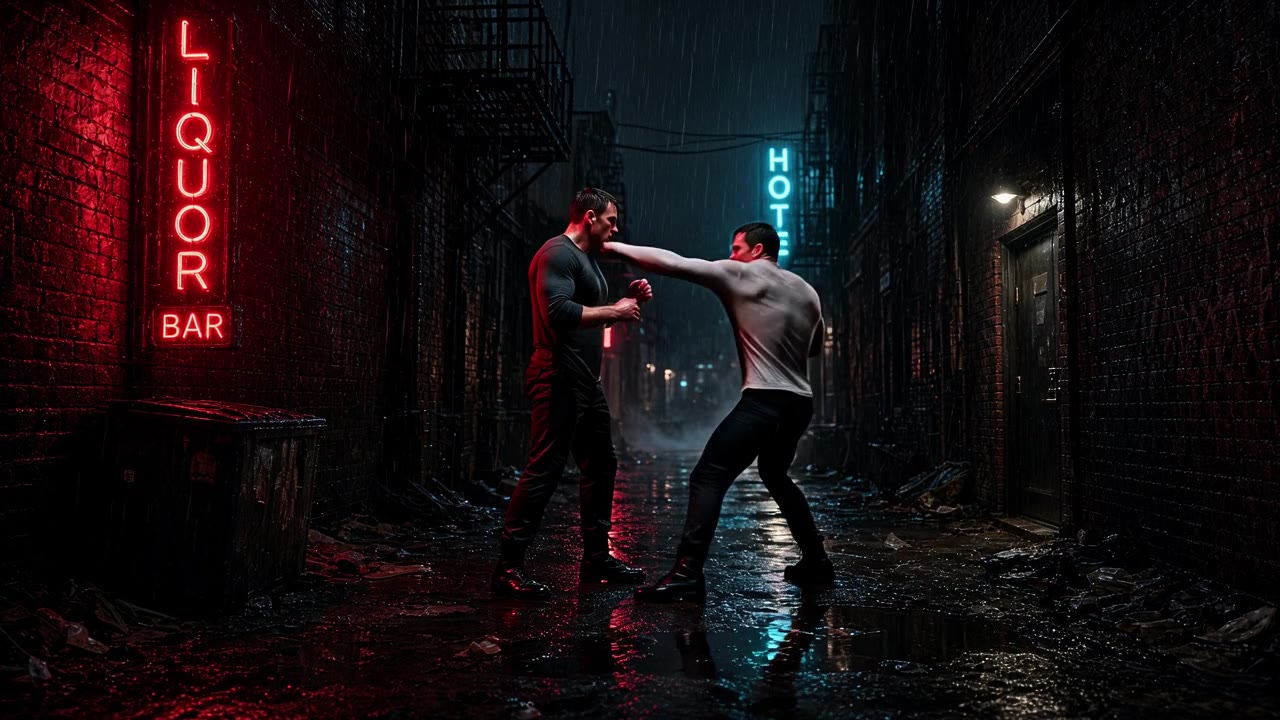
The floor: subject, one clear action, one visual choice. Say "lands a hook", not "trading punches". Continuous action gives the model no contact moment and you get ghost limbs.
Rendered from the prompt above on Grok Imagine 1.5, 720p, 6s. Nothing was generated when you clicked.
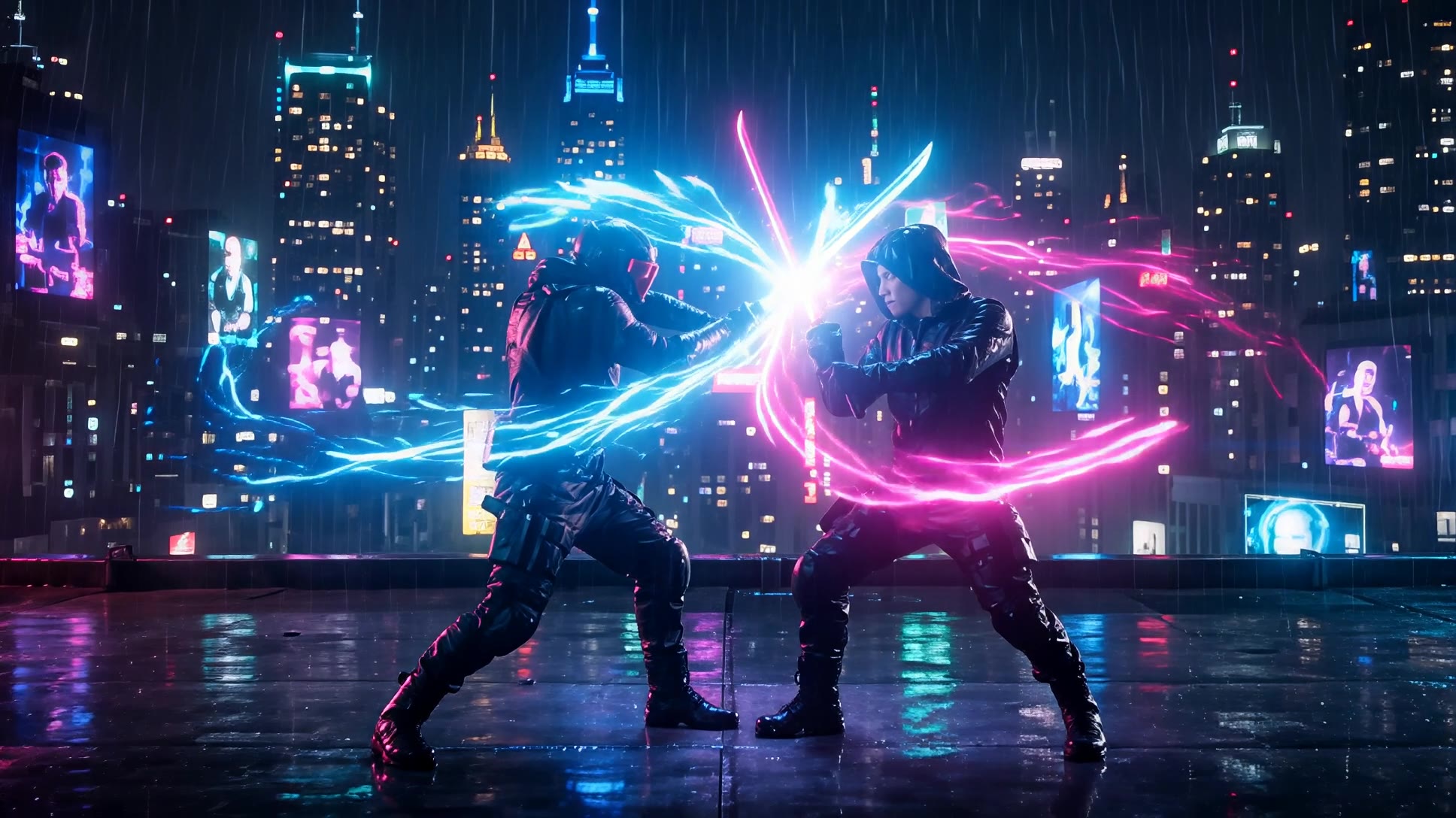
Naming a cinematic language does more than ten adjectives.
Rendered from the prompt above on Wan 3.0 Pro, 1080p, 6s. Nothing was generated when you clicked.
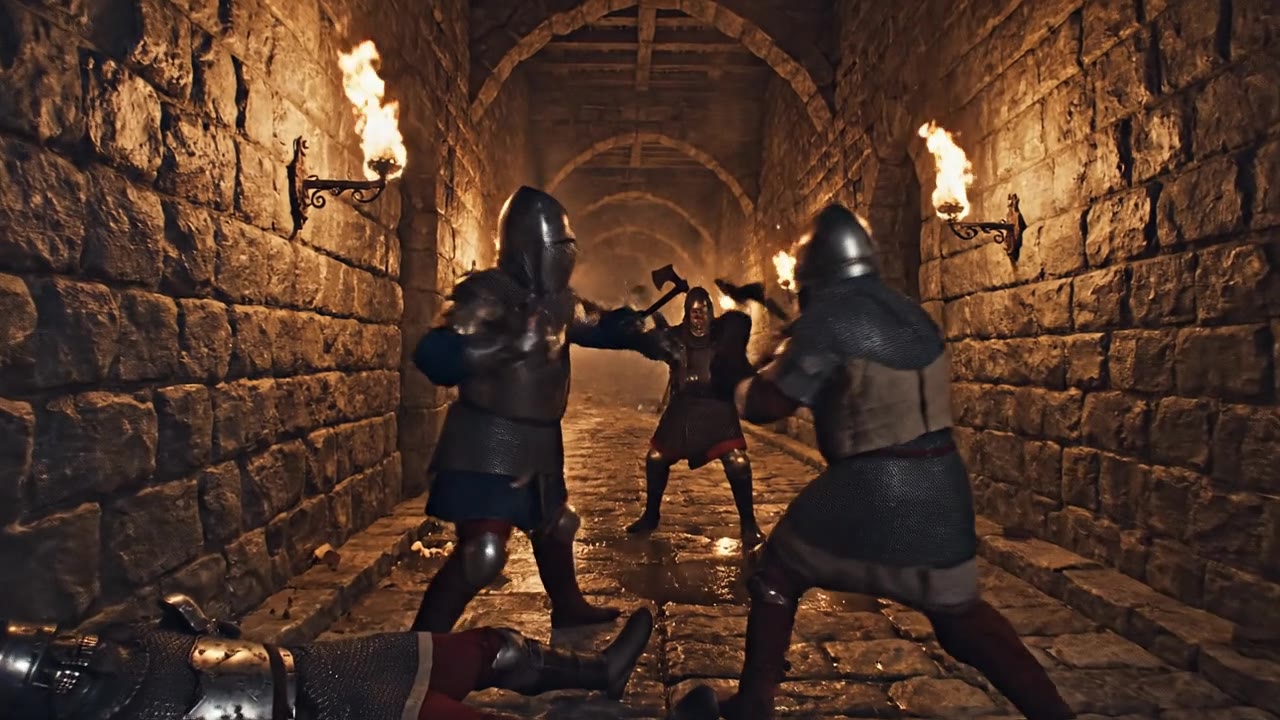
Camera moves are prompt-able: ask for the shot, not just the scene. And count with beats, not numbers. "Three attackers" returned two. Naming them one at a time, each with its own action, returned three.
Rendered from the prompt above on VEO 3.1 Fast, native, 8s. Nothing was generated when you clicked.
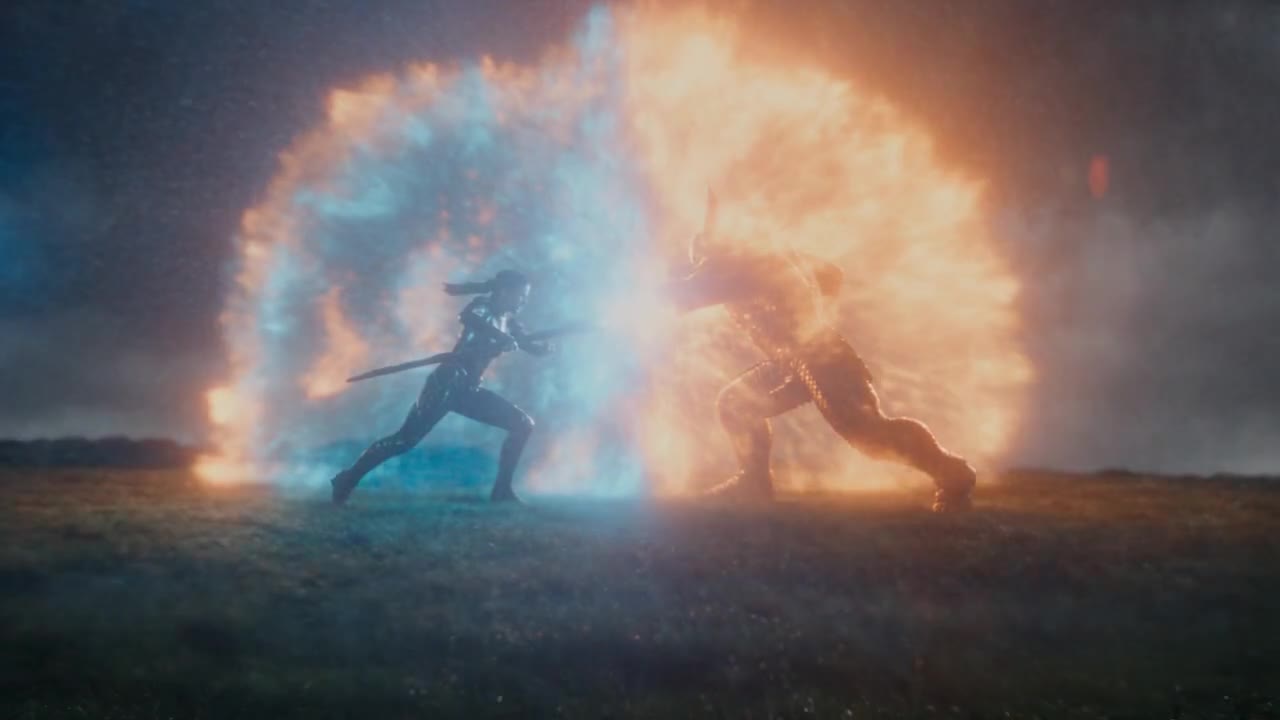
Numbered scenes cut inside one generation. This is what the premium buys.
Rendered from the prompt above on Seedance 2.5, 720p, 8s. Nothing was generated when you clicked.
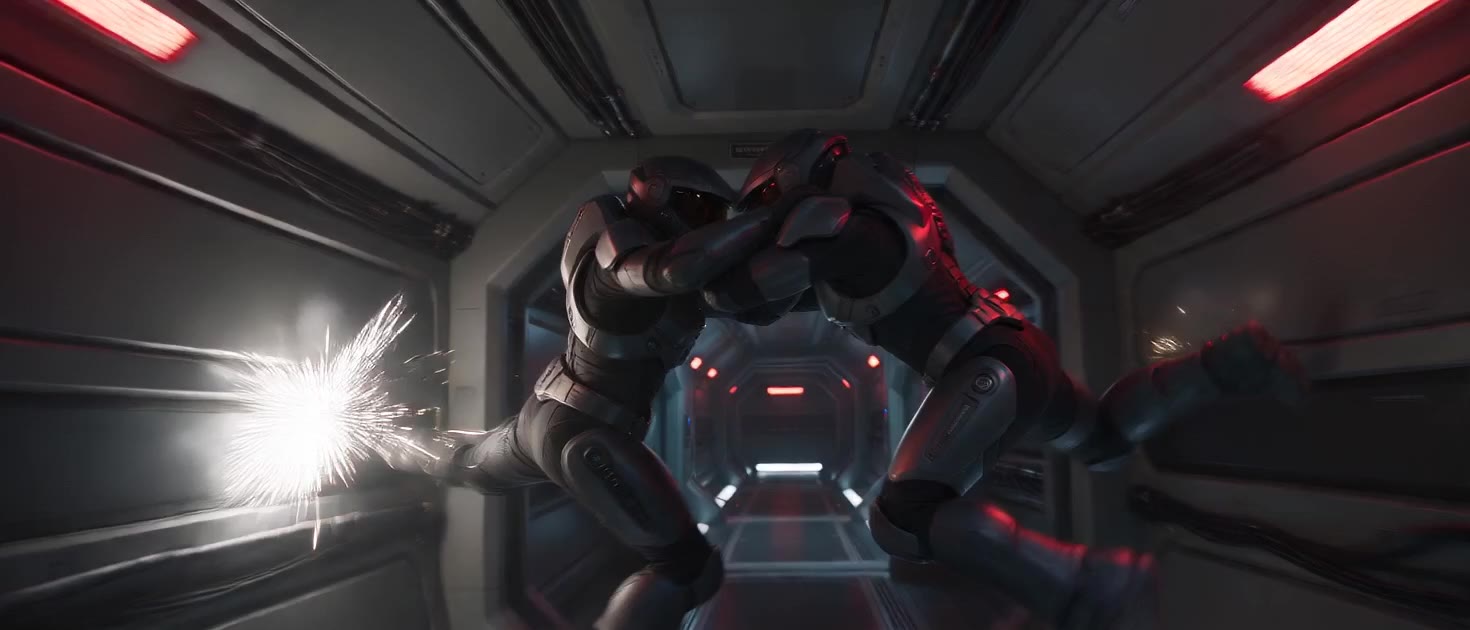
Four scenes for a fifth of card 4's cost, and the only card here at 21:9. Worth knowing: an earlier version of this shot was refused by this model for copyright and rendered without complaint by another. Rewording did not help. A refusal is scoring the scene, not the nouns, so change the scene or change the model.
Rendered from the prompt above on Seedance 2.0 Mini, 720p, 12s. Nothing was generated when you clicked.
Frequently Asked Questions
What are AI video prompts for Fight Scene?
Fight Scene AI video prompts are short text descriptions that tell a text-to-video model (Veo 3, Kling, Wan, Grok Imagine, Hailuo, Seedance) what to generate. A strong Fight Scene prompt names the visual cinematography: slow-motion impact frames, dust and debris exploding outward, dramatic key lighting, motion blur on weapons, hero stance with dramatic backlight, choreographed flow.
Where can I find free Fight Scene video prompts?
AetherWave's free Prompt Library has 169 video prompts (including Fight Scene-adjacent ones) with playable 6-second preview clips and one-click copy. No login required to browse. Submit your own and we feature it.
Do Fight Scene prompts work in every video model?
Mostly yes. The same Fight Scene cinematography description runs in Veo 3, Kling, Wan 2.5/2.7, Grok Imagine, Hailuo, Seedance 2, and Runway Gen-4 - only the dialect changes. Same vocabulary, different motor.
You have seen what the prompts render.
Every fight scene clip above came out of the prompt printed with it, on the model and duration listed - nothing was generated when you pressed play. Video Studio is where you run your own. That needs an account and credits.